
Sale!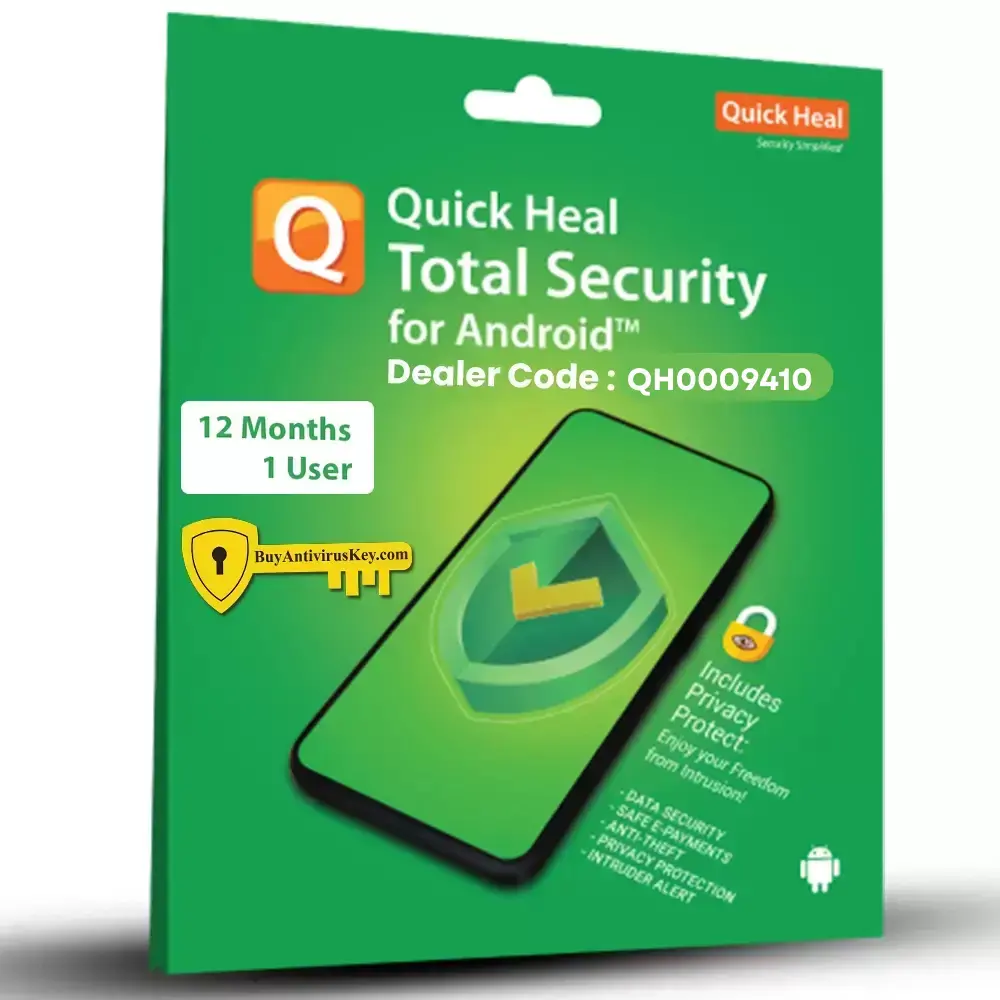
This Image is for Product reference only
Instant Serial Key on WHATSAPP, SMS and Email Delivery.
Within a minute.
Quick Heal Total Security for Android Mobile Complete Protection for Your Smartphone
In todays digital world, smartphones have become an essential part of our daily lives, storing everything from personal photos and messages to sensitive financial information. With such vital data at stake, its more important than ever to protect your Android device from online threats. Quick Heal Total Security for Android offers a comprehensive solution to keep your mobile safe from viruses, malware, phishing attacks, and theft.
This all-in-one security app is designed to safeguard your Android device and ensure optimal performance while securing your personal information and privacy. Lets explore the key features and benefits that make Quick Heal Total Mobile Security the perfect choice for protecting your Android smartphone.
Key Features of Quick Heal Total Security for Android
1. Real-Time Protection Against MalwareQuick Heal Total Security for Android provides real-time protection by scanning apps, files, and downloads for viruses and malware. It proactively detects and removes malicious software, keeping your device safe from ransomware, Trojans, and spyware. Whether your downloading a new app or receiving files via email or Bluetooth, Quick Heal ensures that all threats are detected and neutralized instantly.
2. Safe Browsing and Phishing ProtectionOnline browsing exposes your device to potential cyber threats, especially when visiting unsecured websites. Quick Heals Safe Browsing feature ensures that you can surf the web safely by blocking malicious and phishing websites that try to steal your personal information. It helps secure online transactions and ensures your financial data remains protected during activities like online banking and shopping.
3. Anti-Theft FeaturesLosing your smartphone can be a nightmare, especially when it holds personal data. With Quick Heals Anti-Theft feature, you can track, locate, and remotely lock your lost or stolen device. The app also allows you to remotely wipe sensitive data, preventing unauthorized access. The anti-theft feature includes options like SIM card change notifications and the ability to trigger an alarm, even if the phone is on silent mode.
4. Privacy ProtectionQuick Heal Total Security gives you complete control over your privacy with features like App Lock and Privacy Advisor. You can lock individual apps, such as messaging and gallery apps, with a secure PIN or fingerprint, ensuring that your personal information stays private. The Privacy Advisor scans apps and highlights those that access sensitive data, helping you make informed decisions about which apps to keep.
5. Performance Optimization ToolsA secure device is only as good as its performance. Quick Heal comes with built-in Performance Optimization tools that boost the speed and efficiency of your Android phone. Features like Junk File Cleaner and Memory Boost help clear out unnecessary files and free up valuable storage space, making sure your device runs smoothly and efficiently.
6. Parental ControlFor parents concerned about their childrens online safety, Quick Heal provides a Parental Control feature. This allows you to restrict access to specific websites, apps, and online content. With this feature, you can ensure that your children are exposed only to appropriate content while using their mobile devices.
7. Call and SMS FilterTired of receiving unwanted calls and spam messages? Quick Heals Call and SMS Filter allows you to block unwanted numbers, preventing spam calls and messages from interrupting your day.
Why Choose Quick Heal Total Security for Android?
- Comprehensive Protection: Quick Heal Total Security offers a multi-layered approach to safeguard your device from all types of cyber threats.
- User-Friendly Interface: The app is designed to be easy to use, allowing even non-tech-savvy users to configure their mobile security settings effortlessly.
- Automatic Updates: The app automatically updates itself with the latest security patches and virus definitions, ensuring that your device is always protected from the newest threats.
- Light on Resources: Quick Heal is optimized for performance, so it provides robust protection without slowing down your phone.
Conclusion
With Quick Heal Total Security for Android, you get complete protection for your smartphone against viruses, malware, phishing, and theft. Its wide range of features, including anti-theft, privacy protection, safe browsing, and performance optimization, make it one of the most reliable security apps available for Android users. Keep your device secure and running at peak performance by choosing Quick Heal Total Security, and enjoy peace of mind knowing that your personal data is safe.
Buy Quick Heal Total Security for Android today and safeguard your mobile from the latest online threats!
How to Install Quick Heal Total Security for Android:
- Go to Google Play store.
- Search for the Quick Heal Antivirus
- Touch on Install and wait for Installation then touch on Open
- The Quick Heal Mobile Security app is added to the Apps list on your device.
- touch on I agree and give Grand Access
- To register Quick Heal Mobile Security, follow these steps:
- Go to the Apps list on your device and tap the Quick Heal Mobile Security icon.
- Touch on Buy Premium
- Enter Product Key which you have Purchase from www.buyantiviruskey.com
- Touch on next the copy is activated.
Related
buy quick heal mobile security key
quick heal total security for android product key
quick heal mobile security product key
quick heal total security for android 3 years 1 user
Antivirus for smart Phone
quick heal mobile security price
quick heal mobile security Price
buy quick heal mobile security 2025
Quick heal for smart Phone
Quick heal Mobile
Please follow the installer instructions provided by the antivirus brand.
Quick Heal Total Security for Android mobile
India Tech Support:
Monday - Saturday 8.00 AM to 11.00 PM (IST)
Support number: 1800 121 7377
India Tech Support:
Monday - Saturday 8.00 AM to 11.00 PM (IST)
Support number: 1800 121 7377


Add a review